AI Biodata Maker to Create Your Bio Data Online
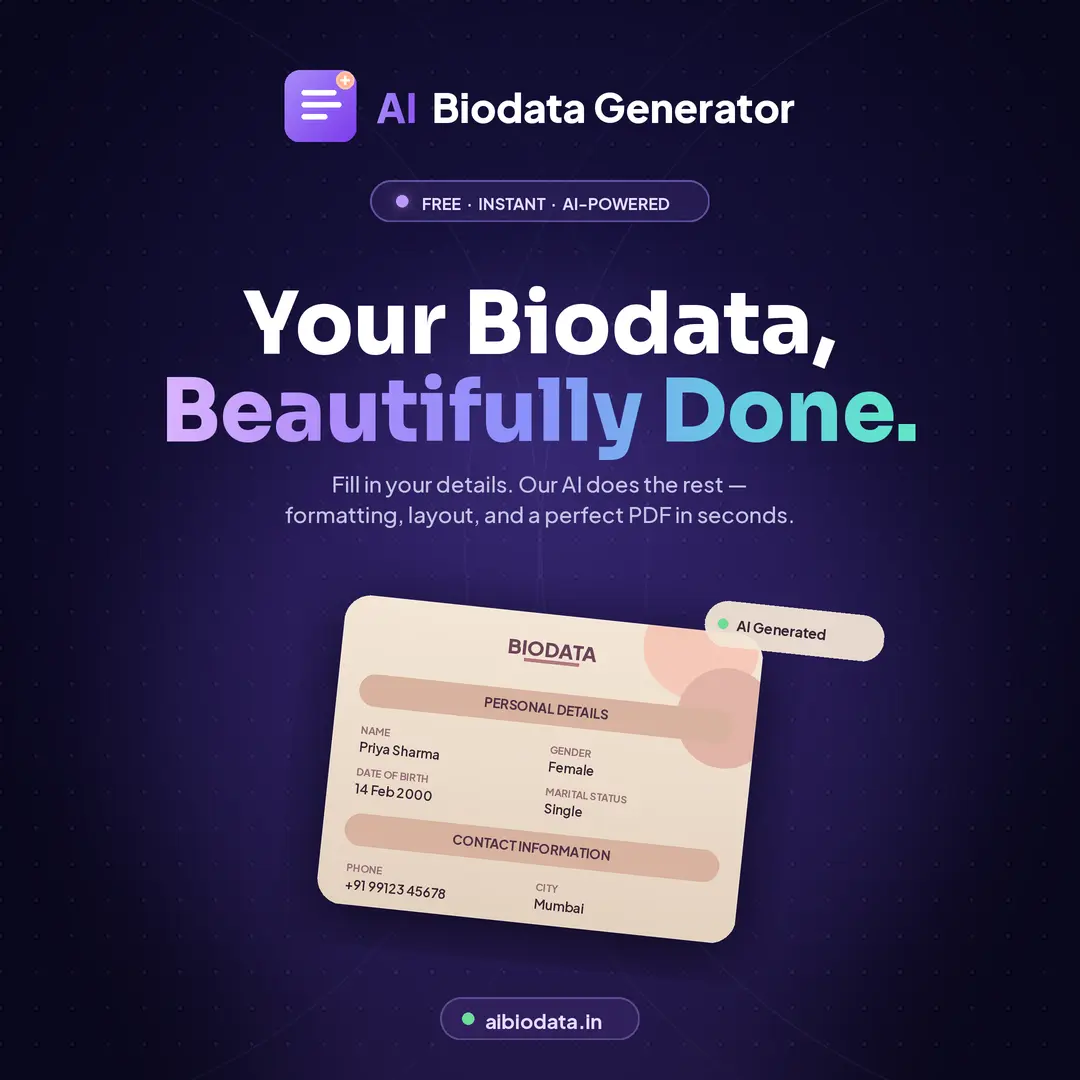
Our free AI biodata maker turns a handful of plain details into a clean, well-formatted marriage or job biodata. Pick a template, type your information, watch the live preview, and download a print-ready PDF, no design skills, no software, and no cost.
Works on mobile and desktop · 80+ templates · PDF download in seconds
What Is an AI Biodata Maker?
An AI biodata maker is an online tool that builds a complete biodata document for you instead of leaving you to fight with margins and tables in Word. You enter your details once, and the tool arranges them into the sections people expect to read — personal, education, career, family, and contact — then applies a consistent, professional layout across the whole page.
The difference from a blank template is what happens after you type. A plain template gives you empty boxes and leaves the formatting to you. An AI bio data maker keeps fonts, spacing, and alignment uniform, hides the fields you leave empty, and reflows the layout as you add or remove information, so the document never ends up lopsided or half-filled.
You stay in control of every fact. The AI handles structure and presentation — you decide what goes in.
Why Use an AI Biodata Maker Instead of Word?
Most people start with a forwarded Word file or a screenshot from WhatsApp. Here is what changes when you use a purpose-built biodata maker instead.
Minutes, not evenings
No fighting with tables, tab stops, or a photo that keeps jumping to the next page. Type once and the layout handles itself.
Consistent formatting
Fonts, spacing, and alignment stay uniform across every section, so the finished bio data reads as one deliberate document.
Live preview
See the exact page as you type. What you preview is what downloads — no surprises after the export.
Made for sharing
Most biodata gets sent over WhatsApp. The output is A4 and mobile-legible, so it stays readable on a phone screen.
80+ templates
Traditional matrimonial frames, modern minimal layouts, and professional profiles for job applications.
Private by default
Your personal and family details are never published or sold. You download the file and it is yours.
How to Make a Biodata with AI in 4 Steps
The whole process usually takes under five minutes if you have your details ready.
- 1
Open the biodata maker
Go straight to the generator — no account, download, or installation. It runs in your browser on a phone or a laptop.
- 2
Pick a template
Browse the template slider and choose a design that matches the occasion. Matrimonial frames for marriage proposals, minimal layouts for job applications. You can switch later without retyping anything.
- 3
Fill in your details
Enter your personal, education, career, and family information. Skip anything that does not apply — empty fields are hidden automatically instead of leaving blank rows on the page.
- 4
Preview and download the PDF
Check the live preview for typos, especially in your name, date of birth, and phone number. When it looks right, download a print-ready A4 PDF you can share or print.
Biodata Maker Templates for Marriage and Job
Matrimonial designs in maroon, gold, royal blue, and sage green, plus minimal layouts in navy and charcoal for job applications. Switch templates at any point without losing what you have typed.
%22%2F%3E%3Crect%20x%3D%2210%22%20y%3D%2210%22%20width%3D%22200%22%20height%3D%22291%22%20rx%3D%223%22%20fill%3D%22%23fffaf4%22%20stroke%3D%22%23d97706%22%20stroke-width%3D%221.5%22%2F%3E%3Crect%20x%3D%2224%22%20y%3D%2234%22%20width%3D%22172%22%20height%3D%2216%22%20rx%3D%228%22%20fill%3D%22%23c2410c%22%2F%3E%3Ctext%20x%3D%22110%22%20y%3D%2246%22%20text-anchor%3D%22middle%22%20font-family%3D%22Georgia%2Cserif%22%20font-size%3D%2210%22%20font-weight%3D%22700%22%20fill%3D%22%23fff%22%20letter-spacing%3D%222%22%3EBIODATA%3C%2Ftext%3E%3Crect%20x%3D%2236%22%20y%3D%2284%22%20width%3D%22148%22%20height%3D%228%22%20rx%3D%224%22%20fill%3D%22%23f59e0b%22%2F%3E%3Crect%20x%3D%2236%22%20y%3D%22124%22%20width%3D%22148%22%20height%3D%221.5%22%20fill%3D%22%23f1c79f%22%2F%3E%3Crect%20x%3D%2236%22%20y%3D%22148%22%20width%3D%22116%22%20height%3D%221.5%22%20fill%3D%22%23f1c79f%22%2F%3E%3C%2Fsvg%3E)


Marriage Biodata vs Job Biodata
Marriage biodata
Shared with families and matrimonial contacts. Family background matters as much as your own achievements, and the design is expected to look warm rather than corporate.
Sections to include
- Name, date and place of birth, height, complexion
- Religion, caste, gotra, and rashi where relevant
- Education and current occupation
- Father's and mother's names and occupations
- Siblings and their marital status
- Contact person and phone number
Job biodata
Sent to employers, often alongside a resume in government and traditional hiring. The tone is factual and the layout minimal, with personal details kept brief.
Sections to include
- Full name and date of birth
- Permanent and correspondence address
- Educational qualifications, most recent first
- Work experience with roles and durations
- Key skills, languages, and certifications
- Email address and phone number